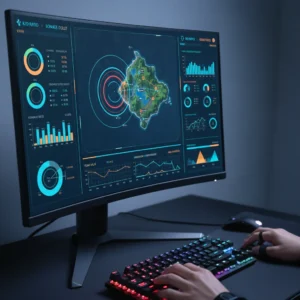
Fortnite Tracker Launches Live Elo Stats for UEFN Matches
Tracker Network has launched real-time Elo rating tracking for UEFN competitive custom matches, a highly requested feature for Fortnite scrims.
The competitive Fortnite community just got a major upgrade. Keeping track of who is actually winning in custom lobbies has always been a headache for players. That is changing today. Tracker Network has officially rolled out a massive update for its Fortnite Tracker platform, bringing real-time Elo rating tracking to Unreal Editor for Fortnite (UEFN) competitive custom matches.
This is a big deal for players who spend their hours grinding custom games. UEFN has quickly become the primary playground for serious practice, but tracking performance has lagged behind. Until now, running leaderboards required manual scorekeeping or slow, clunky Discord bots. This new update changes everything by making the process instant.
How Real-Time Elo Works in UEFN
Elo is the classic rating system used to calculate skill levels in competitive gaming. When you win, your rating goes up. When you lose, it drops. The amount it changes depends on the skill of the opponents you face.
With this new update, Fortnite Tracker connects directly with UEFN map data. The integration is seamless. Here is how it functions during active play:
- Instant Updates: As soon as a match on a supported UEFN map ends, the platform pulls the lobby data.
- Performance Calculation: The system automatically calculates Elo adjustments based on your final placement and your total eliminations.
- Live Leaderboards: Your profile and the map’s public leaderboards update immediately. No more waiting hours for tournament admins to post PDF files or update spreadsheets.
For players, this means immediate feedback. You know exactly where you stand after every single game.
A Huge Win for the Scrim Community
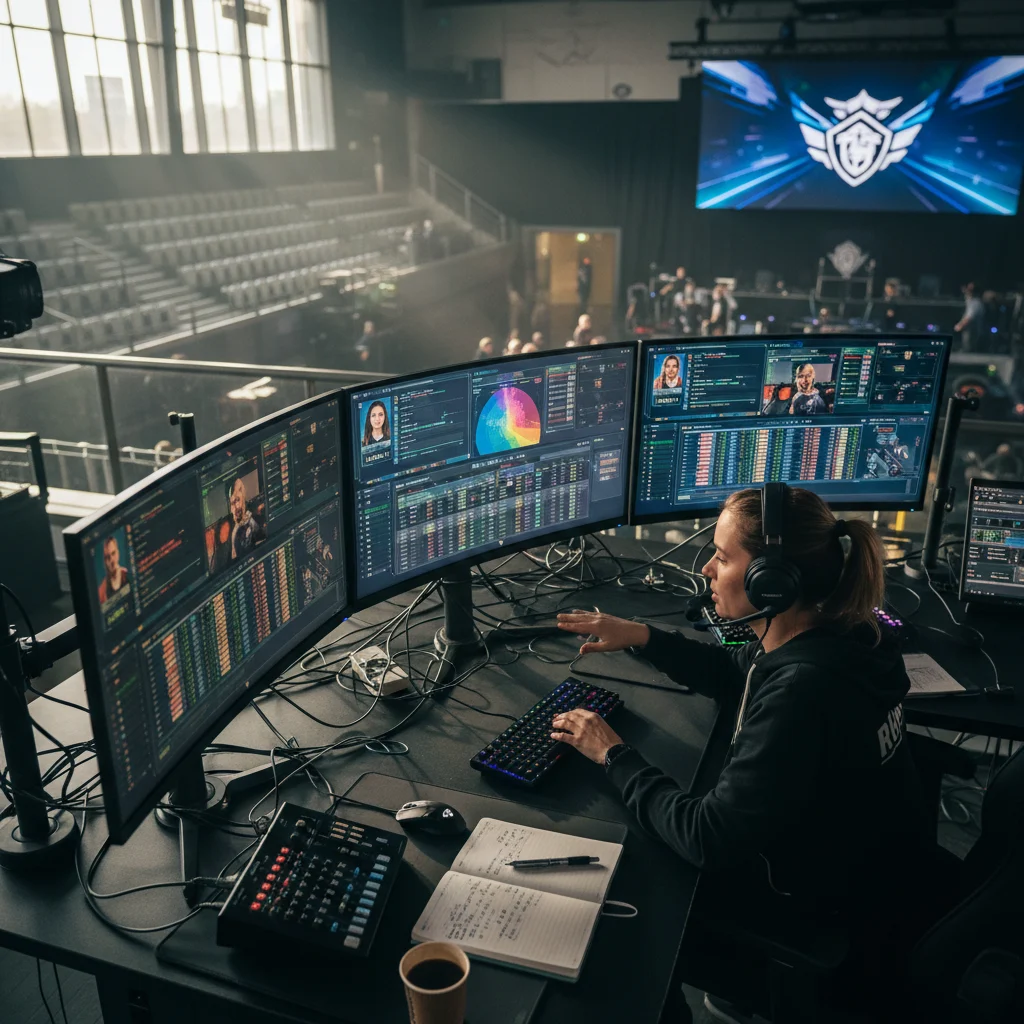
If you play competitive Fortnite, you know how vital scrims are. These are custom practice matches where top-tier players queue together to simulate intense tournament endgames. Managing these lobbies is notoriously difficult. Organizers constantly fight against players who lie about their scores, break rules, or quit early.
Real-time Elo tracking brings some much-needed accountability to these practice matches. Because the data is pulled directly from the game, players cannot fake their stats. It also allows scrim organizers to set up automated gatekeeping. They can now easily lock high-tier lobbies so only players who have maintained a specific Elo rating can join. This keeps practice high-quality and keeps griefers out.
Bridging the Gap to Professional Play
This update also highlights how important UEFN has become to the broader Fortnite ecosystem. Epic Games designed UEFN to give creators incredible freedom to build unique maps. Now, third-party platforms like Tracker Network are building the professional-grade infrastructure needed to turn those creative maps into legitimate competitive arenas.
It makes custom maps feel less like casual mini-games and more like official ranked modes. For players who feel that Fortnite’s in-game Ranked Mode does not offer enough of a challenge, these tracked UEFN custom lobbies offer a true path to testing their skills against the best of the best.
How to Get Started
Getting your stats tracked is straightforward. Players do not need to install complicated software or run background apps while they play. You simply need to make sure your Fortnite Tracker profile is public and play on UEFN maps that have integrated the new tracking system.
Once you finish a match, you can visit the Fortnite Tracker website to view your profile. You will see a detailed breakdown of your match history, including a graph showing your Elo rating rising and falling over time. It gives the hardcore community a tangible sense of progression that has been missing from custom matches for years. Tracker Network has once again proven why they are the go-to source for gaming statistics, giving the community exactly what they have been begging for.