Fortnite Servers Down Today for Fortnitemares 2026 Patch
Fortnite servers are offline today for scheduled maintenance. Find out when the servers go down and what is coming in Fortnitemares 2026.
Fortnite players will need to find another way to pass the time this morning. Epic Games has officially taken the game’s servers offline for scheduled maintenance. The downtime is all part of the preparation for the highly anticipated Fortnitemares 2026 update, which promises to bring a fresh wave of spooky content to the popular battle royale.
If you tried logging in recently, you probably ran into a network error or a screen telling you that servers are unresponsive. Don’t panic. Your internet is fine, and your account hasn’t been banned. Epic is simply cleaning up the backend and installing the massive new patch files required for the annual Halloween event.
When Will Fortnite Servers Be Back Online?
Epic Games began disabling matchmaking today starting at 3:30 AM Eastern Time. This is standard practice for the developers. They stop players from starting new matches about thirty minutes before the servers go completely dark to ensure everyone can finish their active games without getting abruptly kicked to the lobby.
The full server downtime officially started at 4:00 AM Eastern Time (1:00 AM Pacific Time / 9:00 AM British Summer Time). During this window, you cannot log into the game on any platform, including PlayStation, Xbox, Nintendo Switch, PC, or mobile devices.
Historically, major seasonal updates like the Fortnitemares launch require at least two to three hours of downtime. If everything goes smoothly, you can expect the servers to return to life around 6:00 AM to 7:00 AM Eastern Time. However, larger patches sometimes run into unexpected deployment hurdles, so it is always smart to keep an eye on official Epic Games social media channels for real-time status updates.
What to Expect in Fortnitemares 2026
Once the maintenance ends, players will step into a significantly altered world. Fortnitemares is consistently one of Fortnite’s most popular events, and Epic Games usually pulls out all the stops. Here is what is rumored and confirmed for this year’s spooky season:
- Map Transformations: Expect thick fog to roll over sections of the island, along with creepy new points of interest, haunted houses, and perhaps a return of corrupted areas.
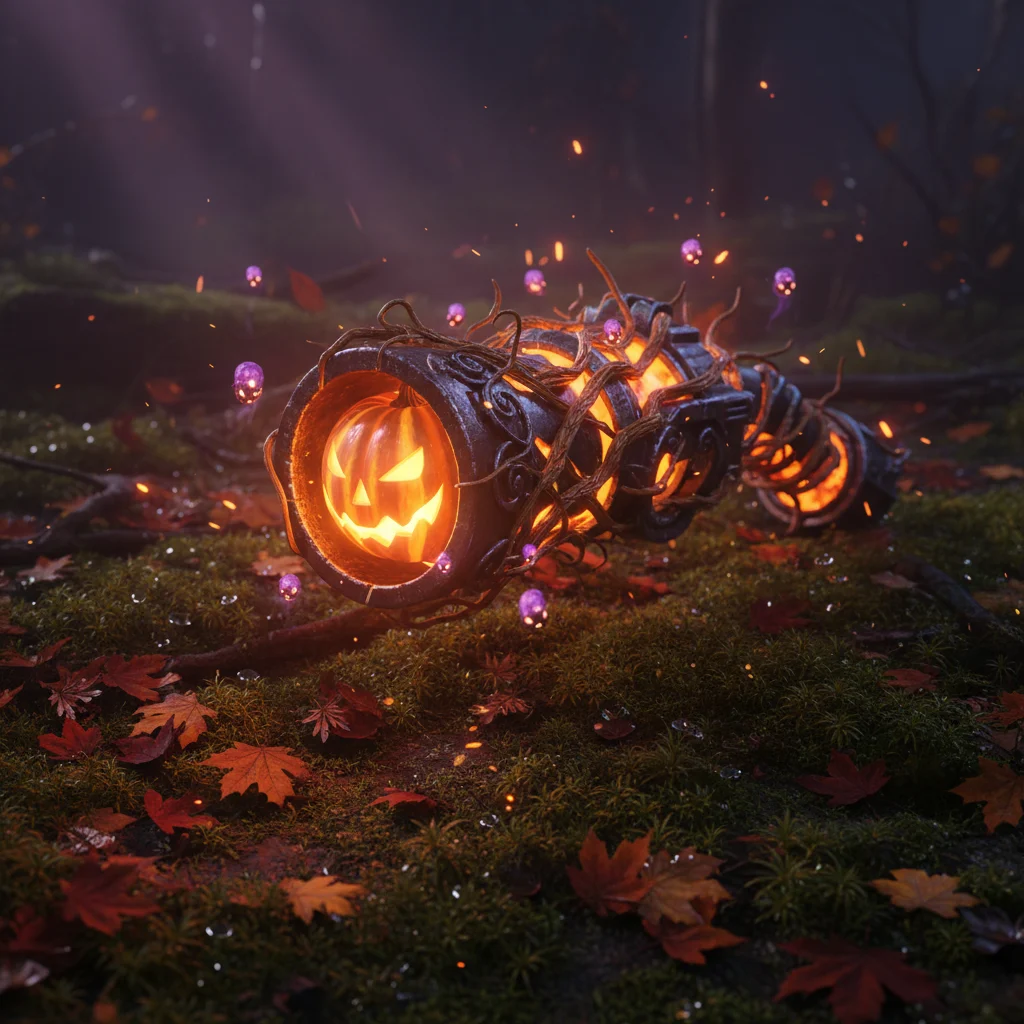
- Unvaulted Weapons: Classic Halloween weapons are highly likely to make a comeback. Fans are already anticipating the return of the Pumpkin Launcher, the Wood Stake Shotgun, and Witch Brooms for fast-paced mobility.
- Spooky Cosmetics: Epic has a reputation for securing major pop culture crossovers for Halloween. Rumors point to brand-new collaborations with iconic horror movie franchises, alongside spooky redesigns of original Fortnite characters.
- The Horde Rush Mode: The fan-favorite co-op PvE mode is expected to return. Players will need to team up to fight off waves of Cube Monsters while navigating a moving storm phase.
New Gameplay Mechanics and Items
Every major patch brings subtle changes to how the game plays. Alongside the thematic Halloween items, dataminers suggest that Epic is tweaking several movement mechanics and adding new consumable items. We might see consumable candy returning, each giving players temporary boosts like low gravity, thermal vision, or quick health regeneration.
How to Prepare for the Update
Since this is a major update, the file size will be larger than your typical weekly patch. If you want to jump straight back into the action the moment the servers go live, there are a few steps you can take right now:
First, make sure your console or launcher is set to auto-update. For PC players using the Epic Games Launcher, keeping the launcher open in the background will allow it to queue the download as soon as the patch goes live on the distribution network.
Console players on PlayStation and Xbox should manually check for updates if the download does not start automatically. Go to your games library, highlight Fortnite, and select ‘Check for Update’. Finally, ensure you have enough free storage space. Major seasonal updates often require several gigabytes of free room to unpack files, even if the final install size remains relatively similar.