Fortnite Tracker Profiles Go Dark: How to Restore Your Stats
Epic Games quietly changed default privacy settings, blanking out millions of Fortnite Tracker profiles. Here is how to quickly restore your stats.
If you recently tried to check your Fortnite stats, you might have gotten a nasty surprise. Instead of your hard-earned wins and K/D ratio, you probably saw a blank screen or an error message. Your profile is suddenly private.
You are not alone. Millions of players are facing the exact same issue.
It turns out Epic Games quietly changed a default setting. With the rollout of recent updates, the developer switched everyone’s gameplay privacy to private. Third-party websites like Fortnite Tracker have been left in the dark. Fortunately, the fix is incredibly simple. It takes less than a minute.
Why Did Your Stats Vanish?
Epic Games is known for tweaking user settings without making a massive fuss about it. This time, the change targets privacy. In previous seasons, your match history and leaderboard rankings were public unless you actively went into the settings to hide them. This allowed sites like tracker.gg to crawl your public data and compile your lifetime stats.
Now, the default has flipped. Epic turned the “Show on Leaderboards” setting to “Off” for everyone.
The developers likely did this to comply with global privacy laws and protect younger players. It is a smart legal move, but it has caused major headaches for the competitive community. Suddenly, years of progress seemed to disappear from the web. But do not panic. Your data is not gone forever. It is just locked behind a menu switch.
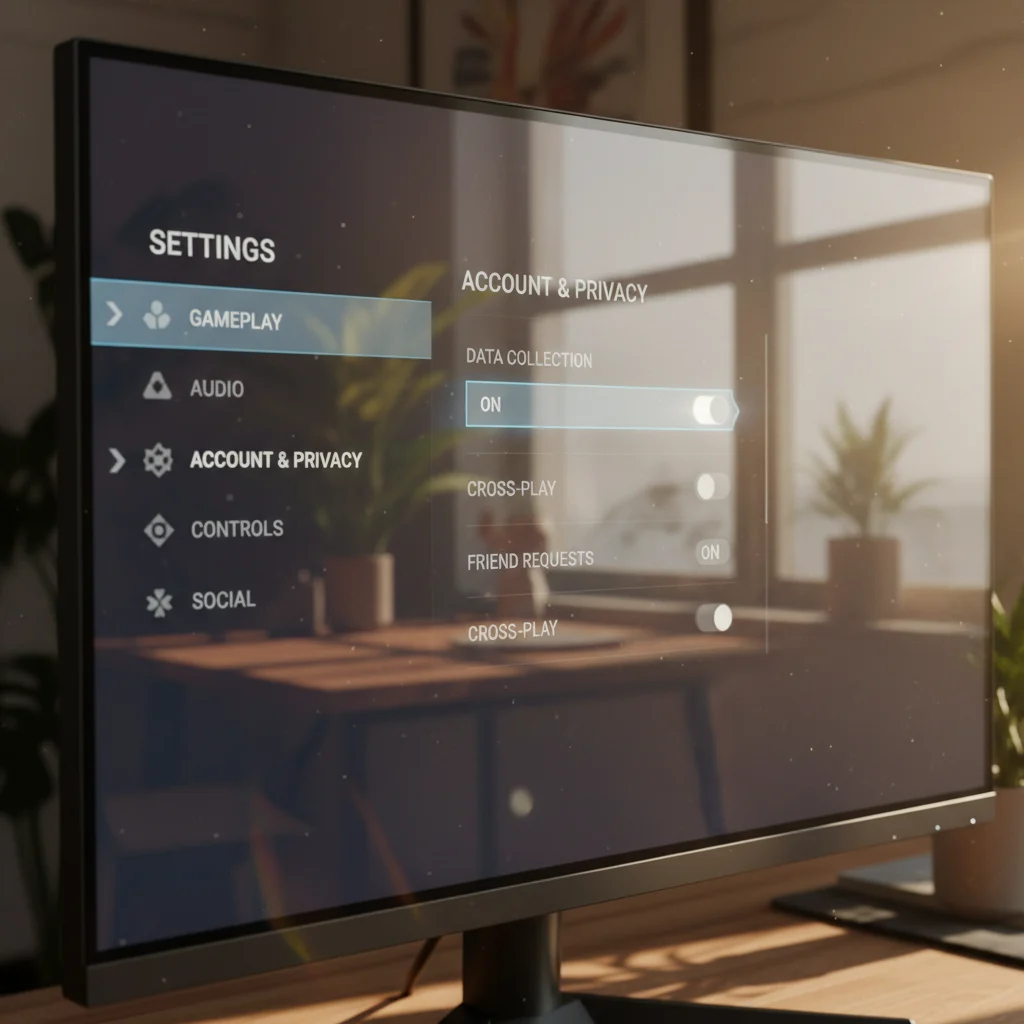
How to Show Your Stats on Fortnite Tracker Again
Getting your stats back onto leaderboards requires a quick trip to the in-game settings. You can do this on any platform, whether you play on PC, PlayStation, Xbox, Nintendo Switch, or mobile.
Follow these quick steps to fix it:
- Launch Fortnite and head to the main lobby.
- Open the main menu and click on the gear icon to open your Settings.
- Look at the top navigation bar and scroll all the way to the right to find the “Account and Privacy” tab, which looks like a small silhouette icon.
- Scroll down until you find the “Gameplay Privacy” section.
- Look for the option labeled “Show on Leaderboards.”
- Switch this setting from “Off” to “On.”
- Apply the changes.
Once you save these settings, play a quick match to trigger an update. After that, search your username on Fortnite Tracker. Your profile should pop right back up with your complete match history intact.
The Impact on the Fortnite Community
For casual players, this change might not matter at all. Many will not even notice. But for the competitive scene, stats are a big deal. Players use Fortnite Tracker to find teammates, prove their skill level, and keep track of their personal growth over time.
Organizers of amateur tournaments also rely on these public metrics. Without them, verifying a player’s skill tier or catching smurfs becomes almost impossible.
The developers at Tracker Network, the company behind Fortnite Tracker, acknowledged the sudden drop in public profiles. They reassured users that the data is still there. It is just waiting for players to turn the key. If your friends are wondering why their stats are broken, share these steps with them. It is a quick fix that gets everyone back on the board before the grind heats up.