Fortnite Servers Buckle Under Fortnitemares 2026 Player Surge
Millions of players hitting Fortnite’s spooky update have triggered massive login queues and matchmaking errors. Here is the latest from Epic Games.
It was supposed to be a night of digital tricks and treats. Instead, it turned into a frustrating waiting game. Within minutes of the Fortnitemares 2026 update going live on Tuesday morning, Epic Games’ servers began to bend—and then break—under the sheer weight of millions of eager players.
Login queues quickly stretched from a few minutes to well over two hours. Those lucky enough to get past the main menu found themselves stuck in an endless loop of matchmaking errors. The virtual apocalypse had arrived, but not the spooky one players were actually expecting.
The Red Screen of Dread
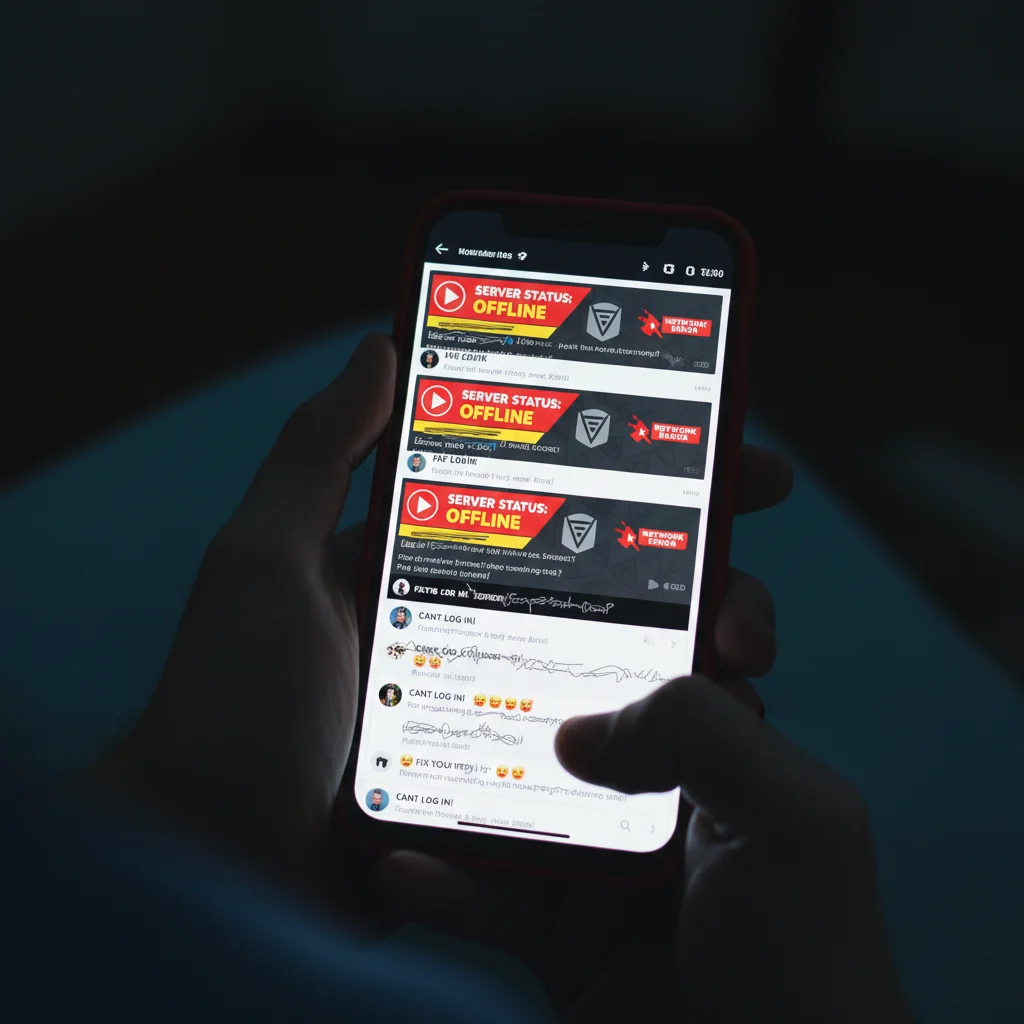
‘We are actively investigating issues keeping players from logging in and matchmaking,’ Epic Games posted on its official Fortnite Status social media account shortly after the problems began. The development team has already deployed multiple server-side hotfixes, but progress is slow. Players are still reporting major stability issues across all platforms, including consoles, PC, and mobile.
For most players, the issue presents itself as a generic matchmaking error or a sudden disconnect right as the battle bus prepares to launch. Others are stuck staring at a loading screen that endlessly checks for updates. The frustration is palpable across social media platforms like X and Reddit, where fans are sharing screenshots of their triple-digit wait times and broken lobbies.
What is Causing the Rush?
The hype surrounding Fortnitemares 2026 has been building for weeks. This year’s event promised massive additions that fans have been anticipating for months, making it one of the most highly anticipated mid-season updates in recent history. Here is what triggered the massive rush:
- The long-awaited Halloween boss fight at the corrupted ruins, featuring unique loot.
- New limited-time mythic weapons, including the returning Pumpkin Launcher and a brand-new Vampiric Blade that grants health siphon.
- Highly anticipated exclusive crossover skins that finally went live in the item shop today.
This massive influx of players trying to download the patch and jump into matches simultaneously created a perfect storm. Epic’s cloud infrastructure simply couldn’t keep up with the global demand. It is a familiar story for Fortnite fans, yet it still catches many by surprise when a major seasonal launch occurs.
A History of Launch Day Woes
This is far from the first time Epic Games has struggled to keep the lights on during a major release. Similar outages occurred during the launch of Fortnite OG and the transition to Chapter 5. When player counts spike past normal peak thresholds, matchmaking systems often fail to assign server instances quickly enough. This triggers a bottleneck that cascades down to the login services.
Community managers have urged players not to restart their games if they are already in a queue. Doing so will lose your spot in line and reset the timer, potentially adding hours to your wait time.
How to Check If Servers Are Back
If you are currently sitting in a queue, your best bet is patience. Let the countdown run, even if it seems temporarily frozen. It is often just waiting for a slot to open up as other players log off or get kicked for inactivity.
You can monitor the situation in real time. The official Fortnite Status page provides up-to-the-minute details on server health and active maintenance. Third-party sites like Downdetector also show whether the issues are localized or affecting players globally. Epic has not yet provided an estimated time for a full recovery, but historical server crashes during major events suggest things should stabilize within a few hours. Until then, the spooky season remains on pause for a vast portion of the community.