Fortnite Servers Down for Fortnitemares 2026 Update
Fortnite servers are currently offline as Epic Games rolls out the Fortnitemares 2026 update. Here is when matchmaking will return.
Fortnite Servers Go Dark for Halloween Event
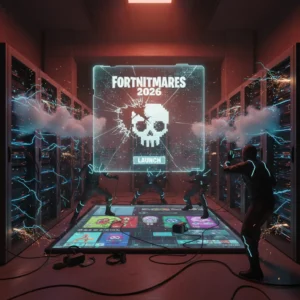
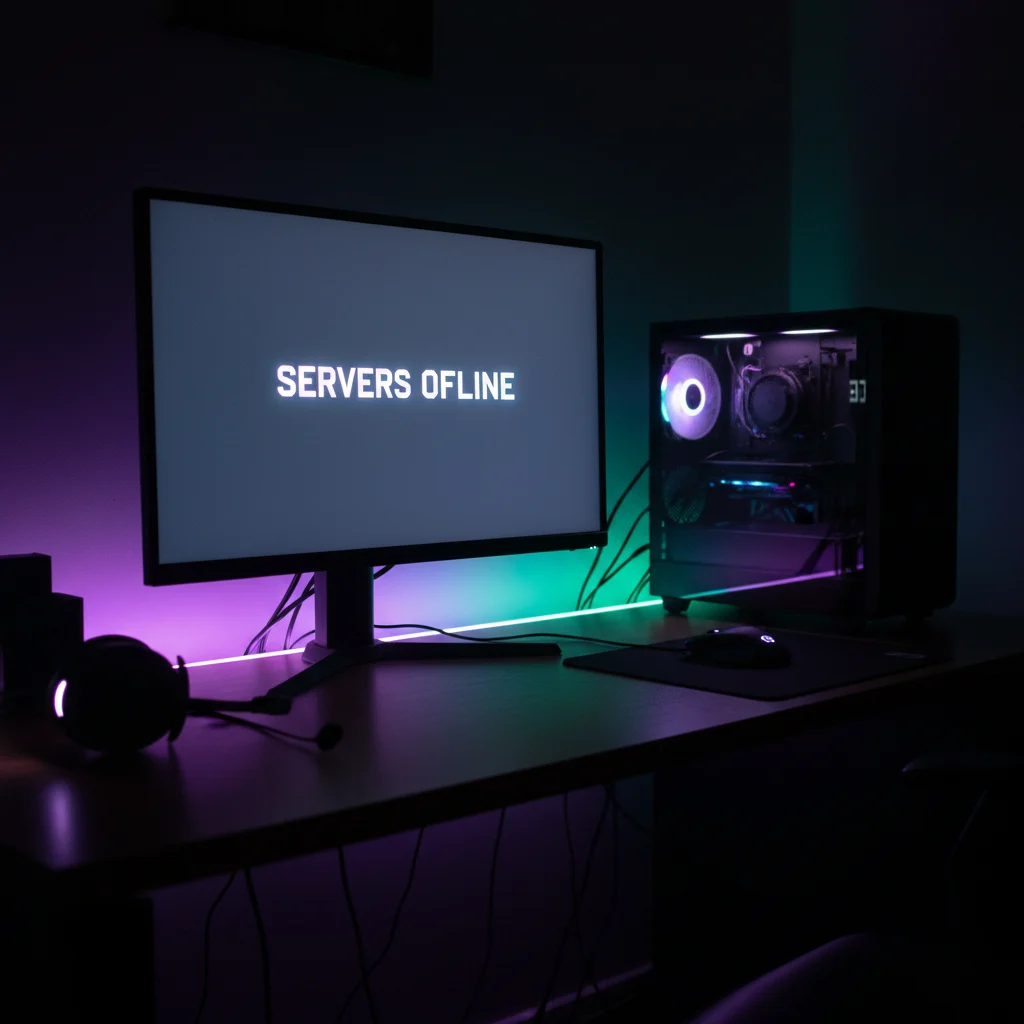
Fortnite is offline. Epic Games turned off the matchmaking queues early this morning as it prepares to deploy the highly anticipated Fortnitemares 2026 update. If you tried to jump into a match recently, you were likely greeted by a red error message. That is because developers began shutting down services to clear the servers for the massive patch.
Matchmaking was officially disabled at 3:30 AM Eastern Time (12:30 AM Pacific Time). Just thirty minutes later, the servers went completely dark. Anyone still lingering in the main menu was kicked off. This downtime is mandatory. Epic needs to update its backend infrastructure to handle the sheer volume of content coming with this year’s spooky season event.
When Will Fortnite Servers Be Back Online?
Epic Games has not given an exact time for when the game will be playable again. Historically, major seasonal updates like Fortnitemares require a few hours of maintenance. If everything goes according to plan, the downtime should last between three and four hours.
That means players can expect the servers to go live around 7:00 AM ET or 8:00 AM ET. However, major patches sometimes hit unexpected snags. Database migrations can take longer than planned. If Epic encounters any issues deploying the update, the downtime could stretch into the late morning. We recommend keeping an eye on the official @FortniteStatus account on X for real-time progress reports.
What to Expect from Fortnitemares 2026
Fortnitemares is always one of the most popular events on the Fortnite calendar. Epic rarely holds back. This year, players can expect a complete transformation of the battle royale island. Expect thick fog, creepy decorations, and eerie ambient sounds to replace the usual sunny atmosphere.
Leakers have already teased several major additions. The iconic Pumpkin Launcher is almost guaranteed to make a return, firing explosive jack-o’-lanterns at unsuspecting squads. Witch Brooms will likely return to the loot pool too, offering players a quick, magical escape from tight situations. Wood Stake Shotguns and other vampire-hunting gear are also rumored to be in the mix.
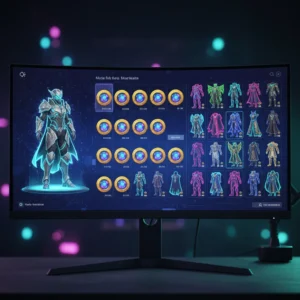
But the real draw is the cosmetics. Fortnitemares is famous for its crossover skins. Rumors have been circulating for weeks about who will join the hunt this year. Classic slasher villains, modern horror movie icons, and spooky remixes of existing Fortnite characters are highly anticipated. We might also see the return of Horde Rush, a cooperative game mode where players team up to fight off waves of Cube Monsters. It is a frantic, fast-paced break from the standard battle royale format.
Prepare for a Large Update File
Because of the sheer amount of new assets, skins, and map changes, this patch will be a big one. It is not a minor hotfix. Players on PlayStation, Xbox, PC, Nintendo Switch, and mobile should prepare for a substantial download size. It is a good idea to turn on auto-updates so your console can start downloading the files the moment they become available on Epic’s servers.
Once the servers are back online, do not expect to jump straight into a match. A massive influx of players always rushes to log in at the same time. This usually leads to login queues. If you see a countdown timer when you launch the game, do not panic. Just leave the game running and wait your turn. The queue will gradually clear as Epic’s servers stabilize under the heavy load.
How to Check Fortnite’s Official Server Status
If the servers still seem dead after the usual maintenance window, you can verify the status yourself. The easiest way is to visit the official Epic Games Public Status page. This website monitors all of Epic’s services, including the Epic Games Store, matchmaking, voice chat, and login systems. If you see green lights across the board, the issue is likely on your end.
If the status page shows everything is operational but you still cannot connect, try restarting your device or checking your internet connection. Sometimes, cached files can prevent your console from recognizing that the update is complete. A quick hard reboot of your PlayStation or Xbox often forces the game to fetch the latest patch files.
Grab a coffee, start your download, and get ready. The hunt begins shortly.