Fortnite Down: Matchmaking Paused for Fortnitemares 2026 Patch
Epic Games is taking Fortnite offline for the highly anticipated Fortnitemares 2026 update. Here is when the servers will return.
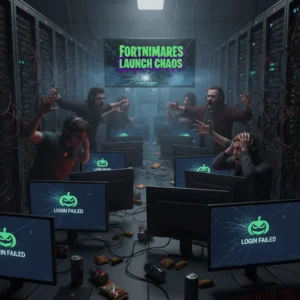
Fortnite is quiet. For now, at least. Epic Games has officially turned off matchmaking as it prepares to take servers completely offline for the highly anticipated Fortnitemares 2026 update.
If you tried queuing for a match over the last hour, you likely ran into a wall. That is by design. Epic always disables matchmaking roughly 30 minutes before pulling the plug on the servers. It prevents players from getting booted mid-game when the actual maintenance window starts. According to Epic’s server status page, the full downtime begins at 4:00 AM ET (8:00 AM UTC). Keep your eyes on the clock; you will not be able to log back in for a while.
When Will Fortnite Servers Be Back Online?
Downtime is a guessing game. Historically, these major seasonal updates keep the game offline for about three to four hours. If everything goes smoothly, you can expect the battle bus to start running again around 7:00 AM ET or 8:00 AM ET. However, massive patches like Fortnitemares sometimes run into unexpected snags. Do not be surprised if Epic extends the maintenance by an hour or two if the backend database needs extra tuning.
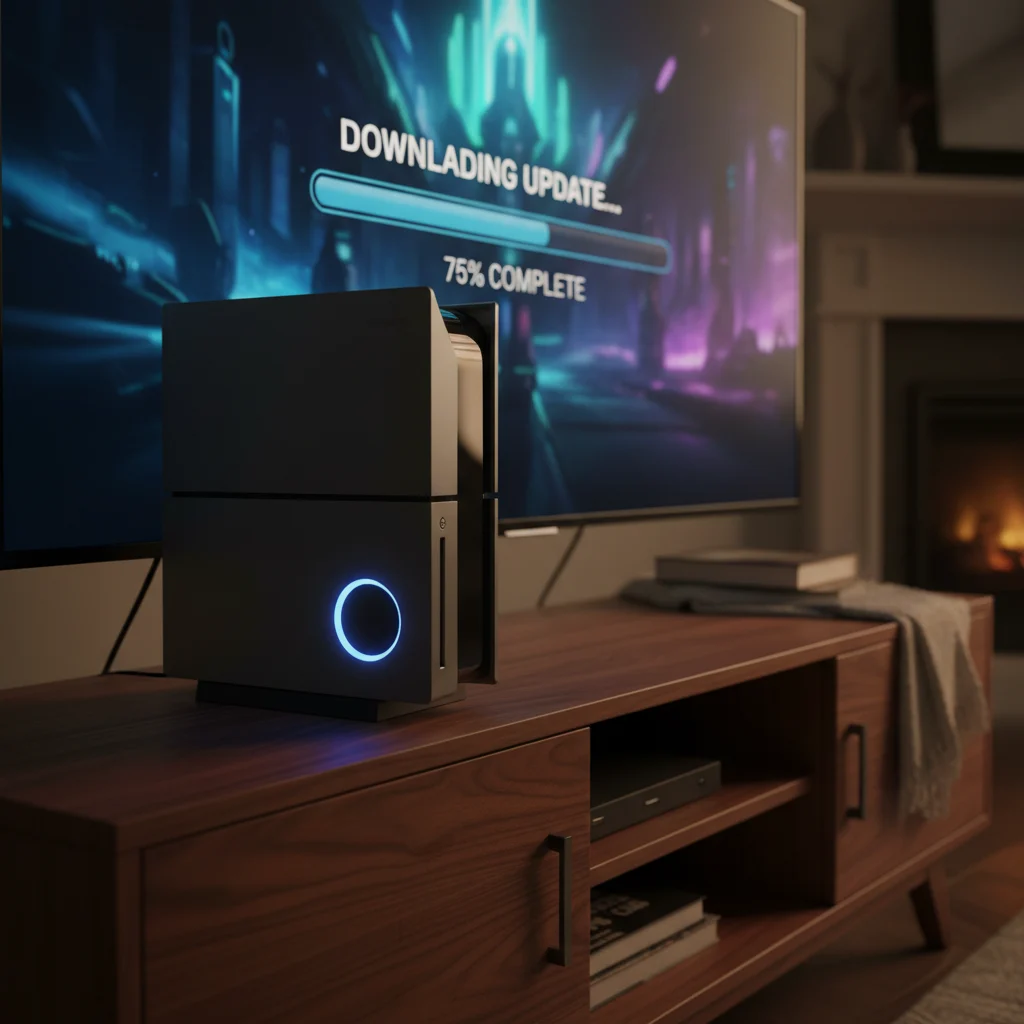
Once the servers are ready, you will have to download a patch. Epic has not announced the exact file sizes yet. However, seasoned players know these holiday updates are hefty. Make sure your console or PC has plenty of free storage space before you start the download. If you are on an automatic update schedule, your system might do the heavy lifting while you sleep.
What to Expect from Fortnitemares 2026
Fortnitemares is always one of the biggest events on the Fortnite calendar. Epic rarely disappoints when it comes to spooky season. This year, the rumor mill is spinning faster than ever. Dataminers have already leaked hints of what is buried deep within the game files.
- Spooky Map Changes: Expect several points of interest to get a ghostly makeover. Fog is likely returning, thick enough to make long-range sniping a serious challenge.
- Unvaulted Weapons: Classic items like the Pumpkin Launcher and the Witch Broom are practically guaranteed to make a return. They are staples of the event.
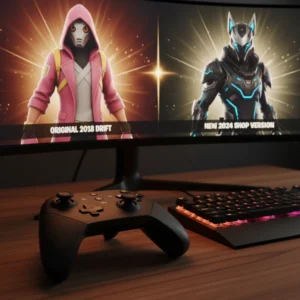
- New Collaborations: Word on the street is that Epic has secured partnerships with major horror franchises. While they have kept the exact names under wraps, leaks point toward some iconic movie villains finally getting their own skins.
- Horde Rush Mode: The fan-favorite co-op mode is heavily rumored to return. You and your squad will face waves of Cube Monsters in a chaotic, fast-paced survival arena.
It is not just about the skins, though. Epic usually drops a series of limited-time challenges. Completing these quests will earn you free cosmetics, including loading screens, back blings, and harvesting tools. It is a great way for players who do not want to spend V-Bucks to grab some Halloween gear.
Why This Patch Matters
Every year, Epic uses the Fortnitemares update to test new gameplay mechanics. Last year, we saw innovative movement mechanics that eventually became permanent fixtures of the game. Fans are eager to see if this patch introduces similar experiments. With the current chapter reaching its later stages, this update could also lay the narrative groundwork for the next major seasonal event.
Furthermore, the competitive scene will take a temporary back seat. Epic usually disables competitive playlists during the initial hours of a major patch to ensure any game-breaking bugs do not ruin tournament play. If you are an aspiring pro, use this downtime to review your strategy or simply take a well-deserved break.
How to Prepare Your Game for the Update
Getting back into the action quickly requires a little preparation. First, restart your launcher. If you are playing on PC via the Epic Games Store, sometimes the update does not register immediately. Restarting the client forces it to check for the latest version. Console players on PlayStation, Xbox, or Nintendo Switch should manually check for updates if the download does not start automatically.
Also, keep an eye on official social media channels. The Fortnite Status account on X (formerly Twitter) is the best place for real-time updates. They will post the exact moment the servers are going live, as well as any known bugs that might affect matchmaking in the first few hours.
Grab a coffee, settle in, and get ready. The island is about to get a whole lot darker.