Fortnite Server Downtime Today: Fortnitemares 2026 Update Live
Epic Games is taking Fortnite offline today to deploy the massive Fortnitemares 2026 update. Here is when servers go down and what to expect.
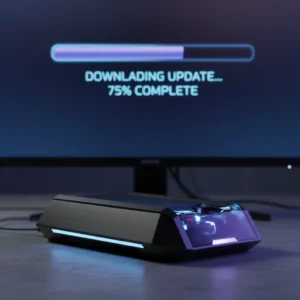
Fortnite players are facing a sudden blackout today. If you tried jumping into a battle royale match recently, you probably noticed the ‘Ready Up’ button was completely greyed out. That is because Epic Games is pulling the plug on the servers. It is that time of year again. The highly anticipated Fortnitemares 2026 update is officially dropping, and the island is about to get a whole lot creepier.
Epic Games confirmed the scheduled maintenance window late last night through their official Fortnite Status alert account. As standard practice, matchmaking was turned off about 30 minutes before the actual downtime kicked off. This prevents players from getting kicked mid-game and losing their hard-earned XP. The servers went fully dark at 4:00 AM Eastern Time (1:00 AM Pacific Time / 9:00 AM BST).
When Will Fortnite Servers Be Back Up?
How long will the game remain unplayable? Major seasonal updates like this require a lot of heavy lifting under the hood. Epic’s engineers have to deploy new map assets, update the game’s physics engine for seasonal items, and upload a mountain of cosmetics. Typically, this process takes anywhere from three to five hours.
If the rollout goes smoothly, you can expect the servers to wake up around 8:00 AM Eastern Time (5:00 AM Pacific Time). However, do not expect to jump straight back into the action. Once the update goes live, millions of players will try to log in simultaneously. This traffic spike triggers automatic matchmaking and login queues. Do not be surprised if you find yourself staring at a countdown screen. Waiting times of 15 to 30 minutes are completely normal during major patch days.
What is Included in the Fortnitemares 2026 Update?
Epic Games likes to keep their biggest surprises under wraps, but the community has already pieced together several clues. This year’s Halloween event promises a mix of nostalgic favorites and fresh frights.
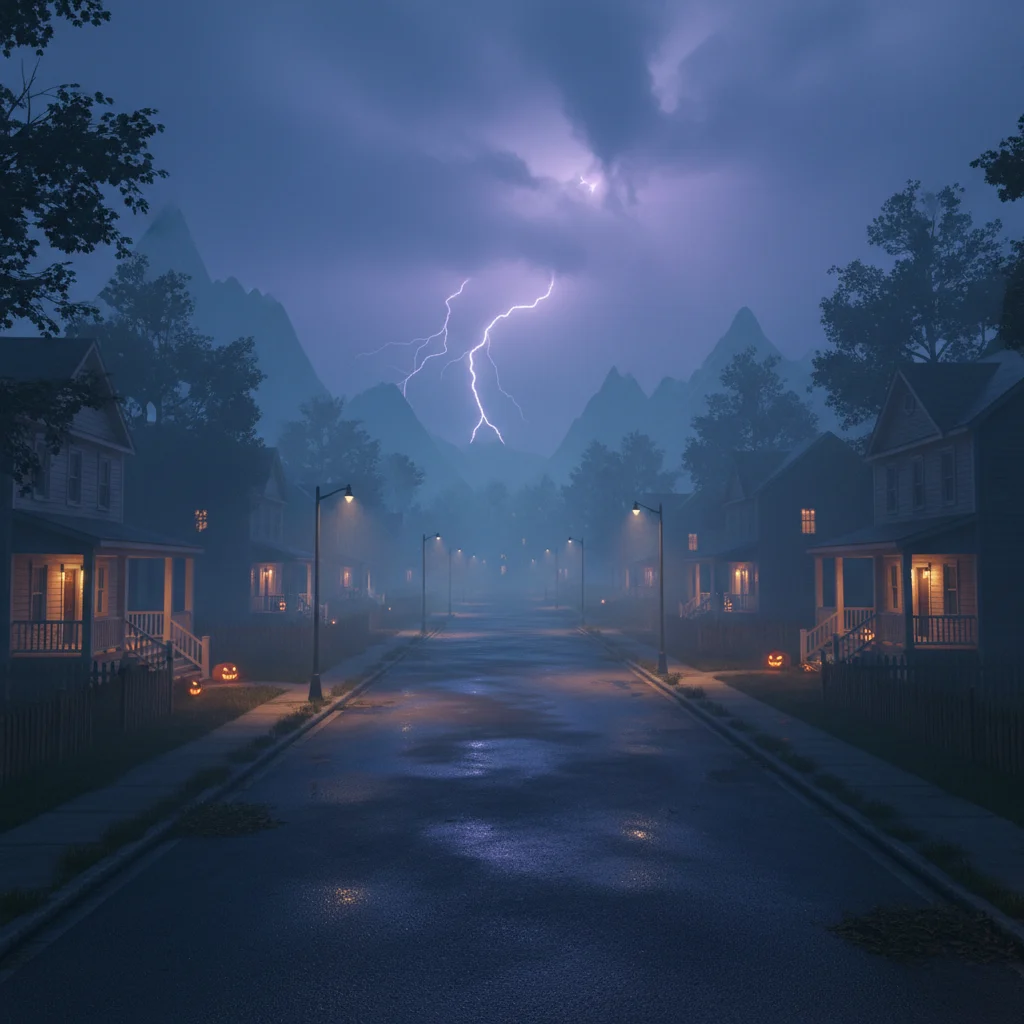
Here is what players are expecting to find once they update their game:
- The return of the Pumpkin Launcher and Witch Brooms for high-mobility gameplay.
- Brand-new spooky points of interest, including a rumored haunted carnival area.
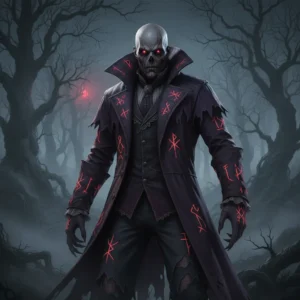
- New collaboration skins featuring iconic horror movie villains and pop-culture monsters.
- A revamped Horde Rush mode where squads fight waves of Cube Monsters.
- New seasonal quests offering free cosmetic rewards like back blings and spray paints.
Several prominent dataminers have also hinted at a major gameplay shift. We might see a new mechanics update that changes how players interact with water or shadow stones, adding an extra layer of tension during late-game circles.
How to Prepare Your Console or PC
This update is not going to be a small one. Because of the sheer volume of new textures, voice lines, and map modifications, players should prepare for a significant patch download size. On PlayStation 5 and Xbox Series X, the download could easily exceed 10 to 15 gigabytes. PC players might face an even larger download depending on their high-resolution texture settings.
To get back into the battle as quickly as possible, make sure your console or launcher is set to auto-update. If you are away from home, leaving your system in standby mode will allow it to pull the files in the background. That way, the moment Epic turns the servers back on, you can skip the download queue and go straight into the login line.
Do not panic if you see a ‘Servers Not Responding’ error code while trying to launch the game. This is just a standard message indicating that the backend database is still locked. Keep an eye on Epic’s social channels, or simply keep this page refreshed. We will update you the second the gates are reopened.